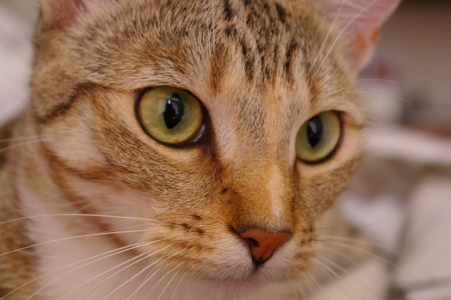
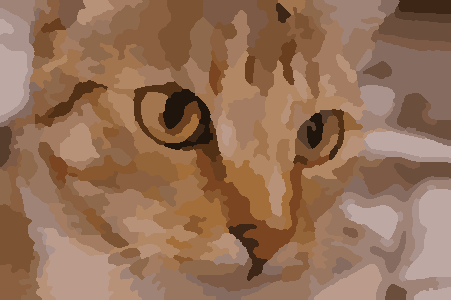
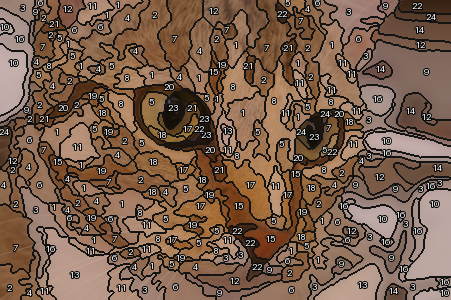
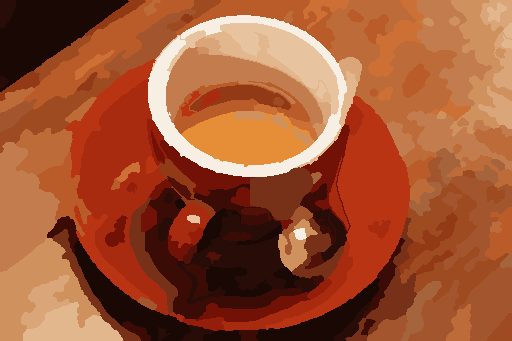
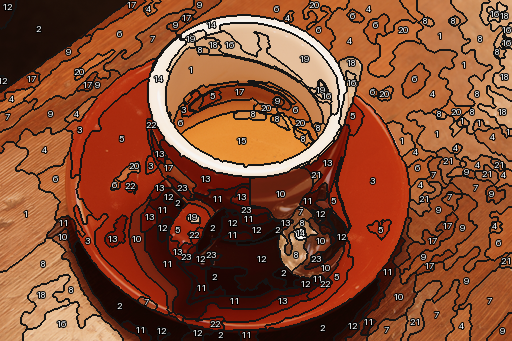
Compare the original photograph, colour layout and numbered preview. These are technical demonstrations using CC0 photographs, not customer projects or AI-generated images.
Settings: 24 colours requested, 24 used; 221 regions; adult_3; production; maximum dimension 512 px; minimum region 12 px. Engine 0.16.13.
What to look for: the face and eyes remain recognisable, while fine fur texture is simplified. Automated checks passed; this does not establish number readability in a physical print.
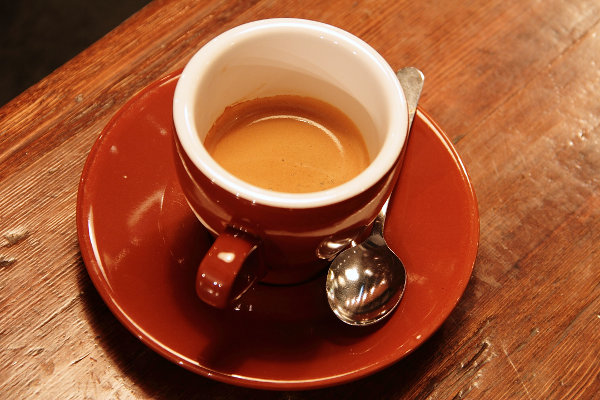
Settings: 24 colours requested, 23 used; 175 regions; adult_3; production; maximum dimension 512 px; minimum region 12 px. Engine 0.16.13.
What to look for: the cup and saucer remain recognisable, while wood grain is simplified. Review required: the engine used 23 of 24 requested colours (palette_count_reduced). This result is not presented as having passed every check.
These are reduced-size digital previews, not ready-to-manufacture kit files. Generation used a 400 mm canvas width while preserving the photo proportions. Number readability, small regions, real-paint matching and a test print require separate human review.