Choose the technique
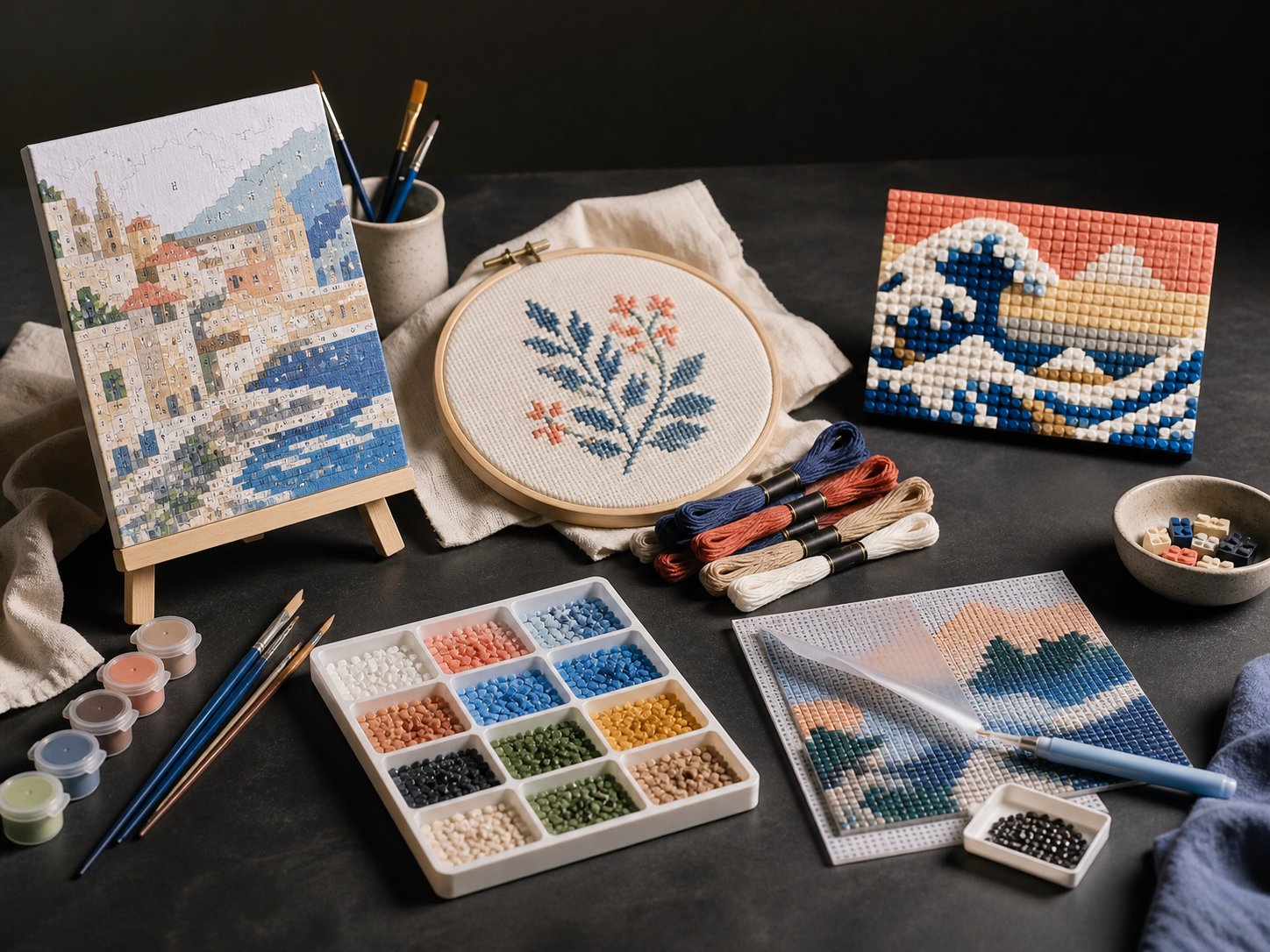
Run projects for paint by number, diamond painting, cross-stitch, LEGO mosaic, pixel art, and beadwork.
Creative-kit production platform
PaintGenAI
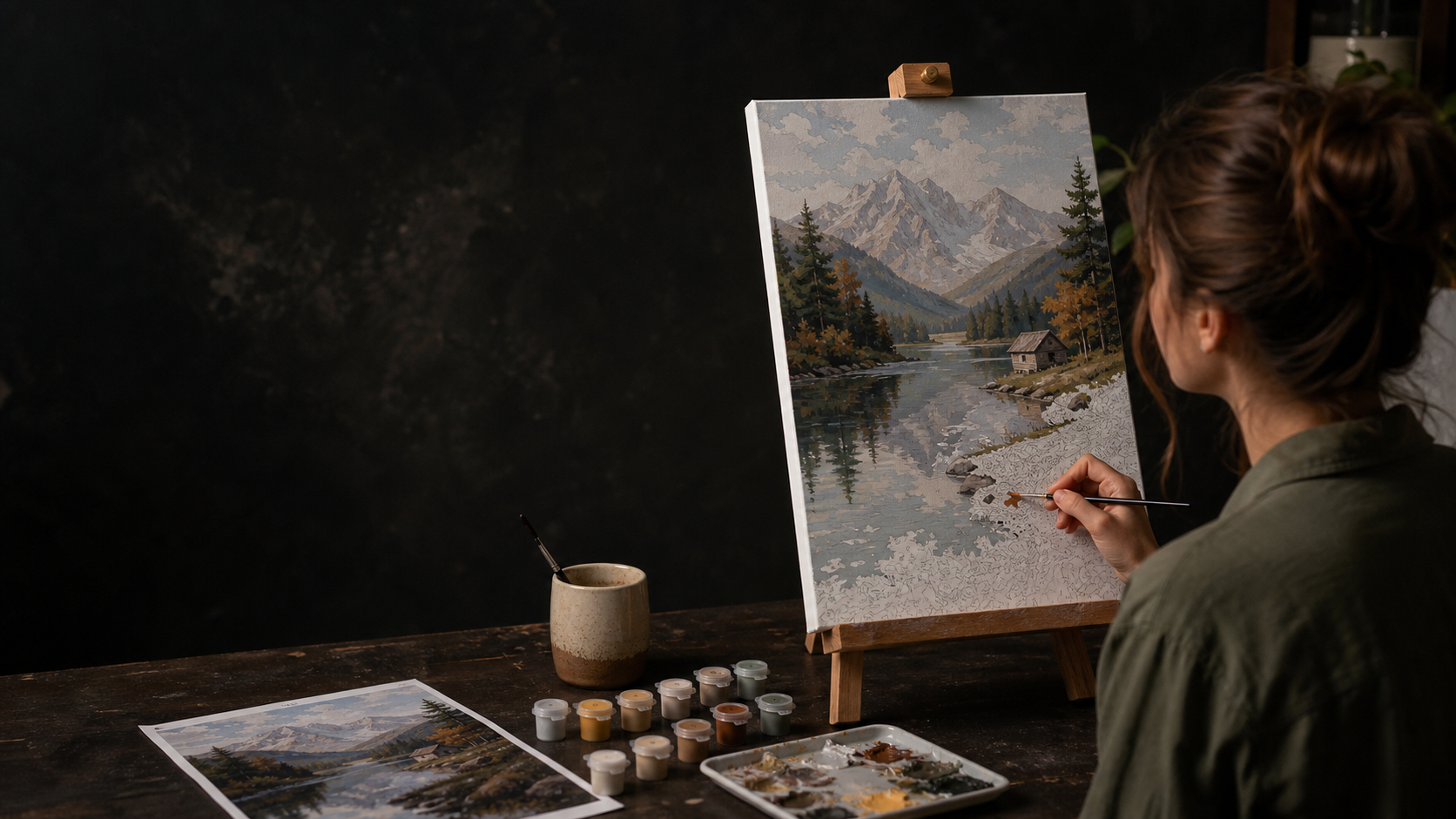
Create or upload artwork. PaintGenAI prepares projects for paint by number, diamond painting, cross-stitch, LEGO mosaic, and other techniques.
Closed beta is liveConfirm your email to receive 14 days of full access.
The technique, source, versions, and exports stay together, so a team never has to assemble a kit from scattered files.
Everything important, in one project
Run projects for paint by number, diamond painting, cross-stitch, LEGO mosaic, pixel art, and beadwork.
Generate 3–5 options from a prompt, add a visual reference, and choose the strongest base for the scheme.
Review detail, numbering, and materials without losing the record of edits and team decisions.
AI studio in the project
Describe the subject, upload a reference, and receive several options. Correct a selected fragment, choose the best source, then prepare the scheme only after that.
Three steps to release
Set the intended kit format and retain it with the project.
Upload ready artwork or create and refine a version with AI.
Record QA and materials, then export the current version.
Release without guesswork
The scheme, palette, and materials live in one project, so the team is not working from separate files.
Straight answers
A project can use paint by number, diamond painting, cross-stitch, LEGO mosaic, pixel art, or beadwork. The technique, source, versions, and exports stay together in one project.
Yes. Upload ready artwork or prepare options in the AI studio, then select the source that will be used to prepare the scheme.
The AI studio can create several options from a prompt and reference, or refine a selected area. The team chooses and checks the source before it proceeds to scheme preparation.
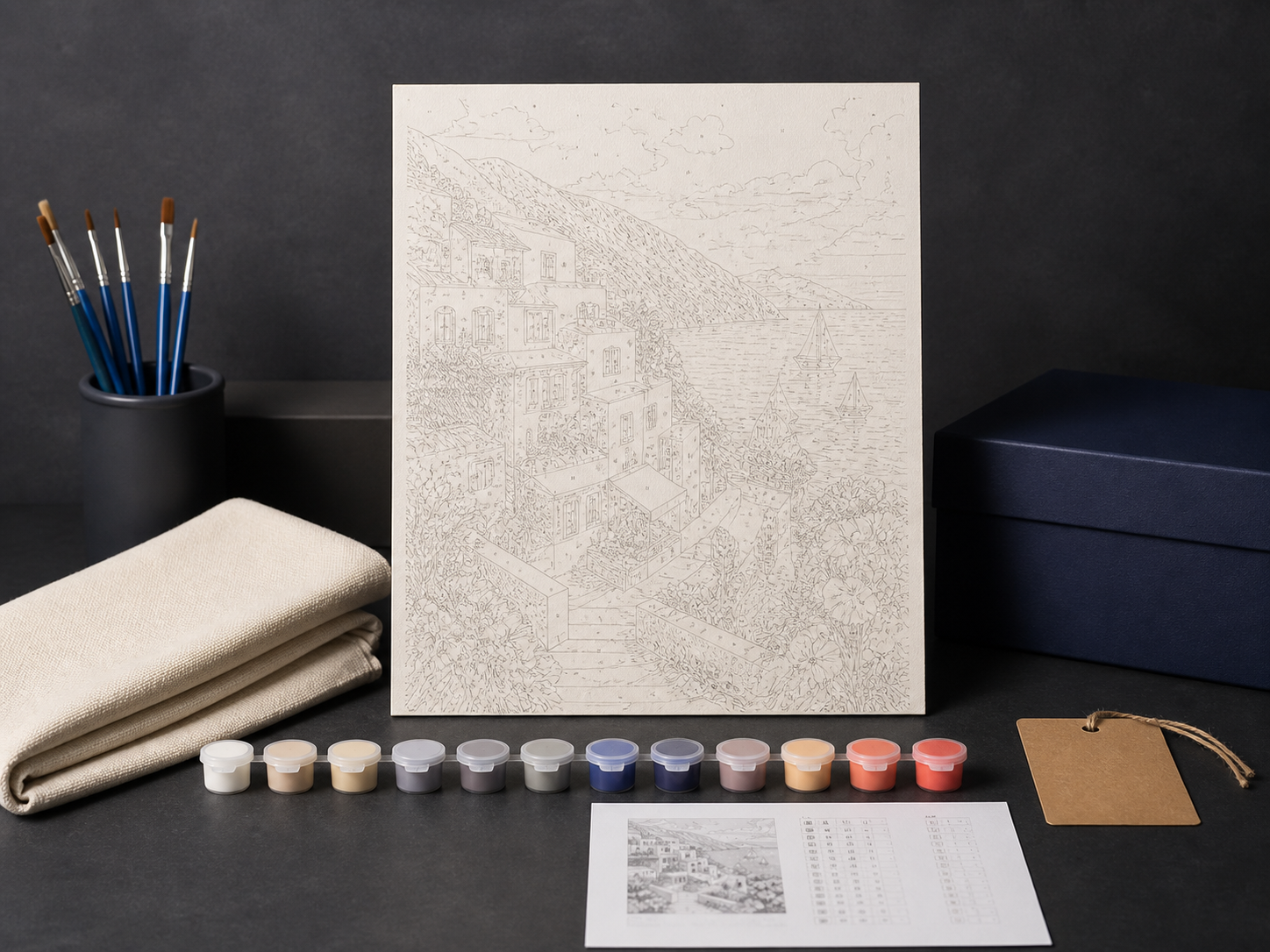
The project brings together scheme detail and numbering review, links colours to specific materials, records QA, and exports the current version.
PaintGenAI is a workspace for designers, technologists, and production teams that need a clear, versioned process for preparing creative kits.
No. PaintGenAI helps prepare and inspect the digital project, but physical readiness still requires approved materials, calibration, and a final decision from the responsible team.
The selected technique, source artwork and versions, review decisions, material links, and current export remain in the project. This gives the team one working context instead of scattered files.
PaintGenAI
Register for the closed beta and receive 14 days of full access after email confirmation.
Request beta access