Is this a service for ordering a kit from a photo?
No. PaintGenAI helps a team prepare a digital project. Manufacturing, packing and delivering a physical kit do not happen automatically when a pattern is created.
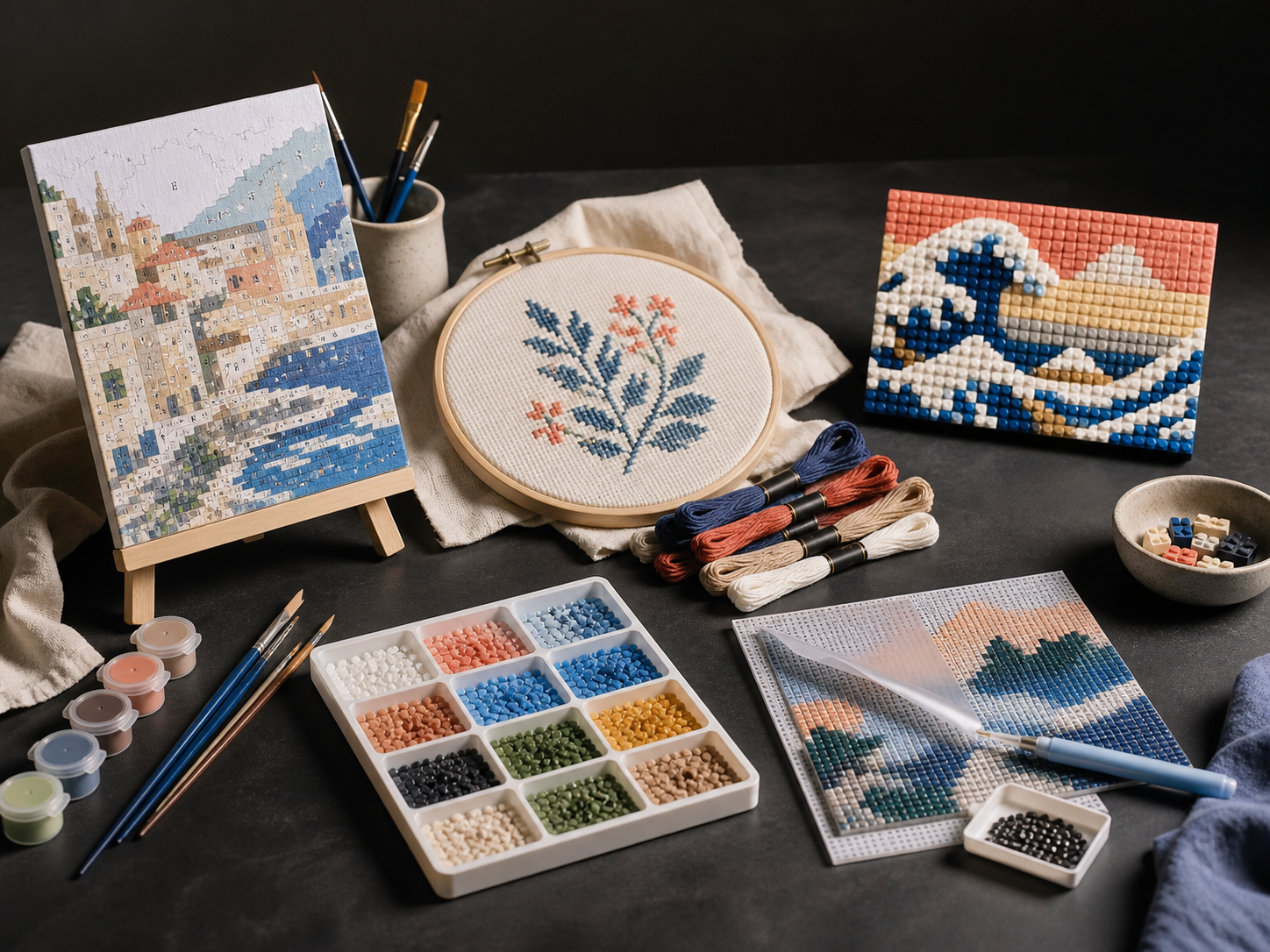
Production workflow
PaintGenAI
PaintGenAI is a browser workspace for preparing digital projects, not a shop selling finished kits. A designer reviews the image and pattern; a technologist links colours to materials; the responsible team decides on physical release.
Request beta access01
The workflow
Select paint by numbers, upload an image you have the rights to use and save the chosen version. Before generation, define the canvas size and audience: a simple children's drawing and a detailed adult portrait need different decisions.
Set colour count and complexity. Compare the source, colour layout and numbered pattern. If an important outline disappears or narrow fragments appear, adjust the source or settings; more colours do not automatically improve the result.
Check small regions, number placement, important details and the paint legend. Record findings and resolve them before preparing the current export. Automated checks do not replace a designer's visual review.
Link colours to specific paints and materials. Make a test print at the target size and assess readability, colour reproduction and paintability. Only then can the responsible team approve the physical kit.
One working context
Practical answers
No. PaintGenAI helps a team prepare a digital project. Manufacturing, packing and delivering a physical kit do not happen automatically when a pattern is created.
The workspace runs in a browser. Project work requires sign-in; public examples do not. Beta access is requested separately.
Review the public sources, layouts and patterns, then test your own permitted source in the workspace. Check readability at the intended size and make a test print. Demonstration images are not print-ready kit files.
No. Review the current digital export alongside materials, calibration and a physical print. The responsible production team makes the final decision.
PaintGenAI