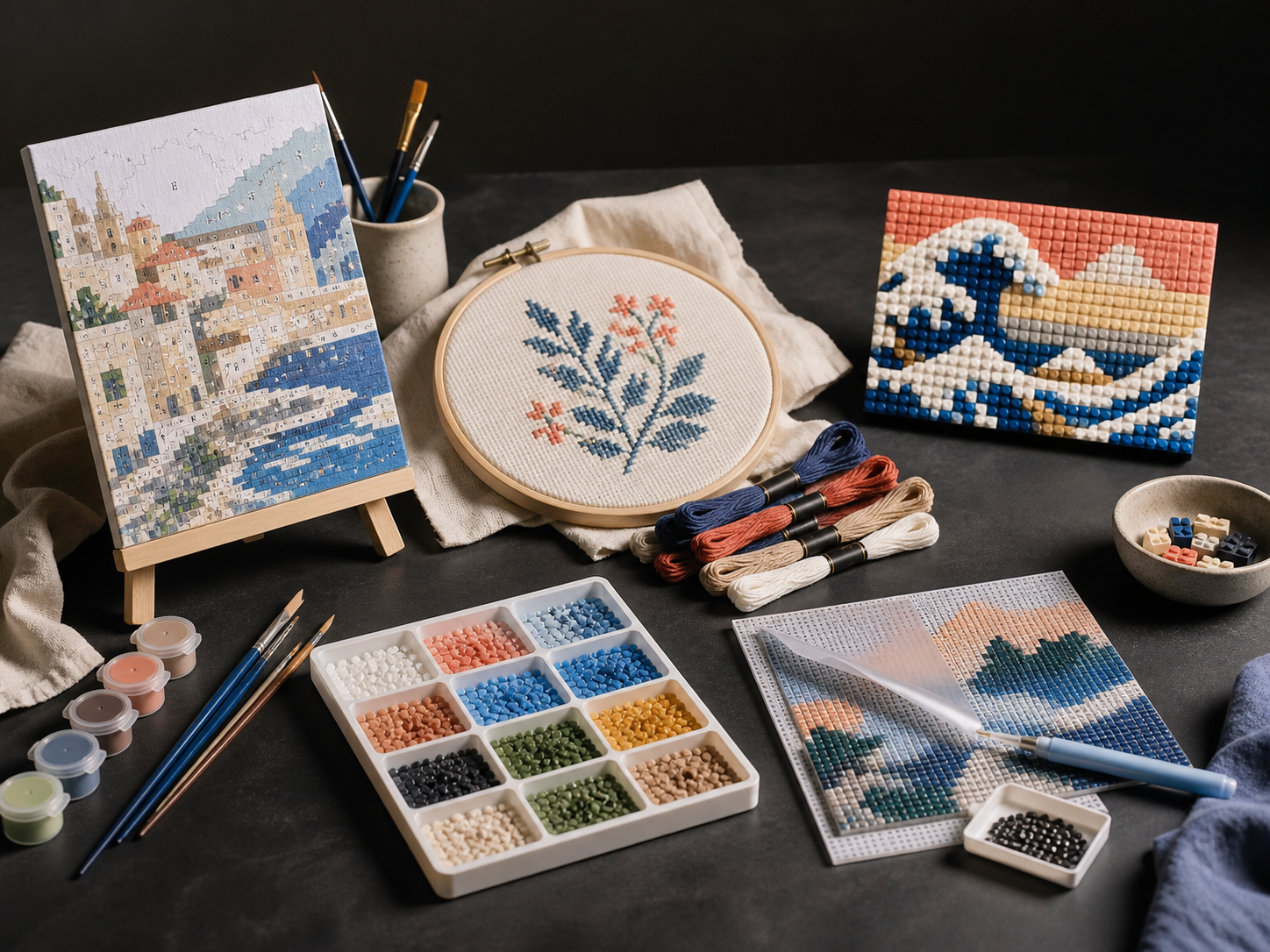
A studio table with creative-kit materials
PaintGenAI

A workflow for production teams

PaintGenAI

Diamond painting from a photo: preserve detail on a grid.

Diamond-painting detail is limited by the number of grid cells, not photo resolution. Choose the grid dimensions first, then inspect faces, text and small objects. PaintGenAI supports a digital pattern and preliminary material plan; real drills need separate checks.

Request beta access

01

The workflow

Prepare and review the pattern.

  1. 01

    Crop the photo for the intended size

    Give the subject enough cells: a close-up face is usually easier to recognise than a small face in a landscape. Select diamond painting. The PaintGenAI planner uses a 2.5 mm pitch; compare it with the actual material before release.

  2. 02

    Check details and neighbouring colours

    Inspect the grid without a smoothed thumbnail: do eyes retain their shape, do thin lines survive and are adjacent shades distinct? If an important element occupies only one or two cells and loses its shape, change the crop or format, not just the colour count.

  3. 03

    Verify materials on a sample

    The planner estimates drill quantities with a 10% allowance. Check actual drill colours, sizes and shapes on a small section. Save the reviewed pattern and QA findings; a preliminary count does not prove purchasing or kit readiness.

One working context

What stays with the project.

Practical answers

Project preparation questions.

01

How does diamond-painting size affect detail?

At the planner's 2.5 mm pitch, a 20 × 30 cm image has 80 × 120 cells: 200 ÷ 2.5 and 300 ÷ 2.5. That is 9,600 positions, not 9,600 colours. A face occupying a small part of the photo receives fewer cells still. This illustrates the planner grid, not a universal size for all drills.

02

Does increasing photo resolution make the mosaic clearer?

Not if canvas size and grid pitch stay unchanged: the cell count remains the same. Crop a small face more tightly or increase the physical format, then inspect the grid again and match shades to available drills.

03

Why use PaintGenAI for diamond-painting preparation?

It keeps the technique, source, versions, pattern and numbering review, material links, QA and release export in one project.

04

Can AI help choose the source?

Yes. The AI studio can explore options from a description and reference or refine a selected area. The team chooses and reviews the source before pattern preparation.

05

Does the service replace real-material checks?

No. PaintGenAI supports digital preparation. Material approval, calibration and the final physical-release decision remain with the responsible team.

PaintGenAI

Open the workspace for your next project.

Request beta access