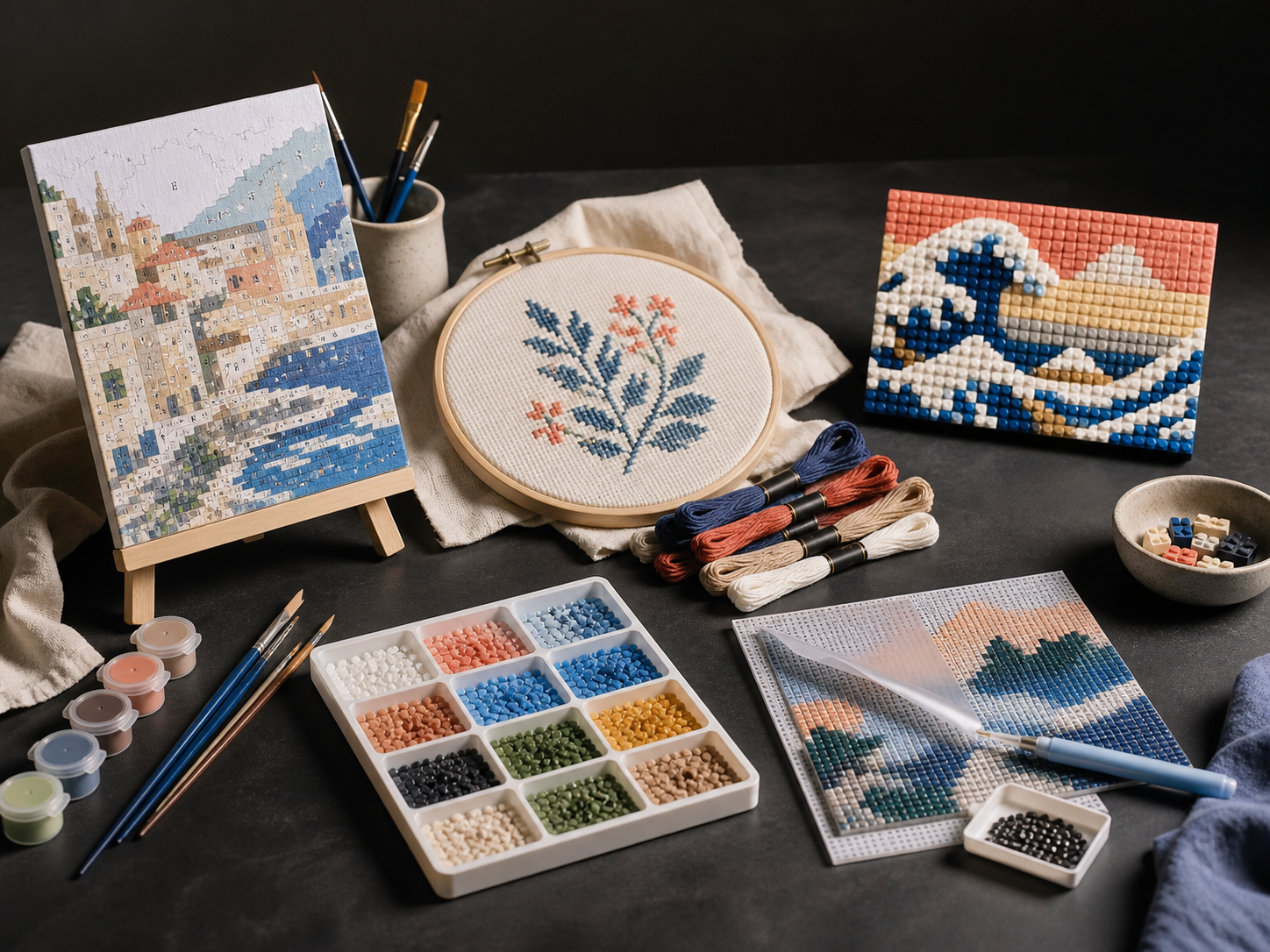
A studio table with creative-kit materials
PaintGenAI

A workflow for production teams

PaintGenAI

Cross-stitch from a photo: detail without unnecessary noise.

Photo conversion needs more than similar colours: the pattern must be practical to stitch. Isolated stitches, frequent changes between close shades and lost facial features need review. PaintGenAI stores the source, digital pattern and versions; thread selection and a test stitch remain separate stages.

Request beta access

01

The workflow

Prepare and review the pattern.

  1. 01

    Focus on the main subject

    Upload the photo and select cross-stitch. Remove excess background if it consumes most of the pattern. Evaluate the silhouette and large light-and-shadow areas first: adding shades cannot recover details that do not read on the grid.

  2. 02

    Review isolated stitches

    Inspect areas with frequent colour changes. A single stitch may be a useful eye highlight or random background noise. Compare with the photo before simplifying: removing every small detail indiscriminately can damage a portrait.

  3. 03

    Verify thread and scale

    Check the palette against real thread, symbol readability and the final size on the chosen fabric. Test-stitch a difficult section and save QA findings with the current export. Screen colour and digital estimates do not replace a stitched sample.

One working context

What stays with the project.

Practical answers

Project preparation questions.

01

How can I reduce isolated stitches in a photo pattern?

Start with background and photographic noise. Compare a smaller palette, but separately review eyes, jewellery and small ornament: an isolated stitch may carry important detail. Do not choose solely by colour count; inspect how often you must change thread in a difficult section.

02

Is screen colour an exact match for embroidery floss?

No. A screen displays digital colour, while thread appearance depends on material and lighting. Match shades to real samples and test neighbouring tones in a stitched section, especially close skin tones and large flat areas where differences are noticeable.

03

Can PaintGenAI prepare cross-stitch projects?

Yes. Select cross-stitch and keep the source, versions, pattern and numbering review, material links, QA and export together.

04

Must I use AI to start a project?

No. Upload an existing image. The AI studio is an optional way to explore source variants or refine a selected area.

05

What stays with the release version?

The project retains the technique, source and its versions, review decisions, material links, QA and current export.

PaintGenAI

Open the workspace for your next project.

Request beta access