Can PaintGenAI prepare beadwork patterns?
Yes. The beadwork technique keeps the source, versions, pattern and palette, and the planner builds a 2.2 mm grid with a preliminary bead estimate.
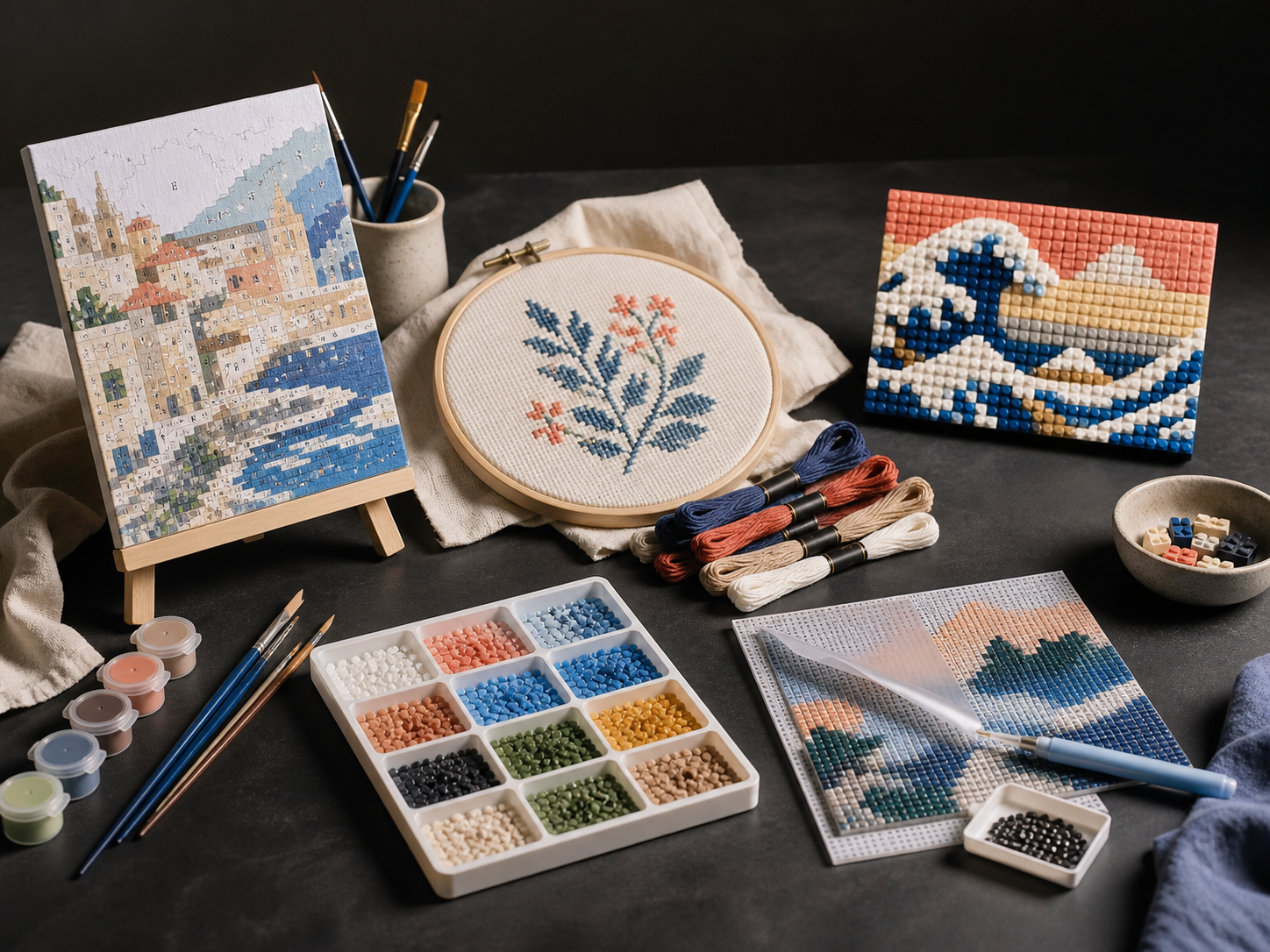
A workflow for production teams
PaintGenAI
PaintGenAI keeps beadwork preparation in one context: source, grid, pattern, preliminary quantities, review and release version remain connected.
Request beta access01
The workflow
Save the source, select beadwork and set the project dimensions without transferring source information between separate files.
The project uses a 2.2 mm planning pitch. The team checks the selected pattern, palette and decision history before release.
The planner estimates beads from the grid with a 12% allowance; QA and export are recorded for the current project version.
One working context
Practical answers
Yes. The beadwork technique keeps the source, versions, pattern and palette, and the planner builds a 2.2 mm grid with a preliminary bead estimate.
The estimate uses the project grid and adds a 12% allowance. Check it against the actual material, batch and requirements of the specific release.
Yes. The export belongs to the digital project version. Purchasing, material compatibility and physical release are separate decisions for the responsible team after review.
PaintGenAI